Avoid thin cuts
Move the starting point and see how the reticle changes at the edges.
 AzulejoListo
Coming soon
AzulejoListo
Coming soon
iPhone + Apple Vision Pro
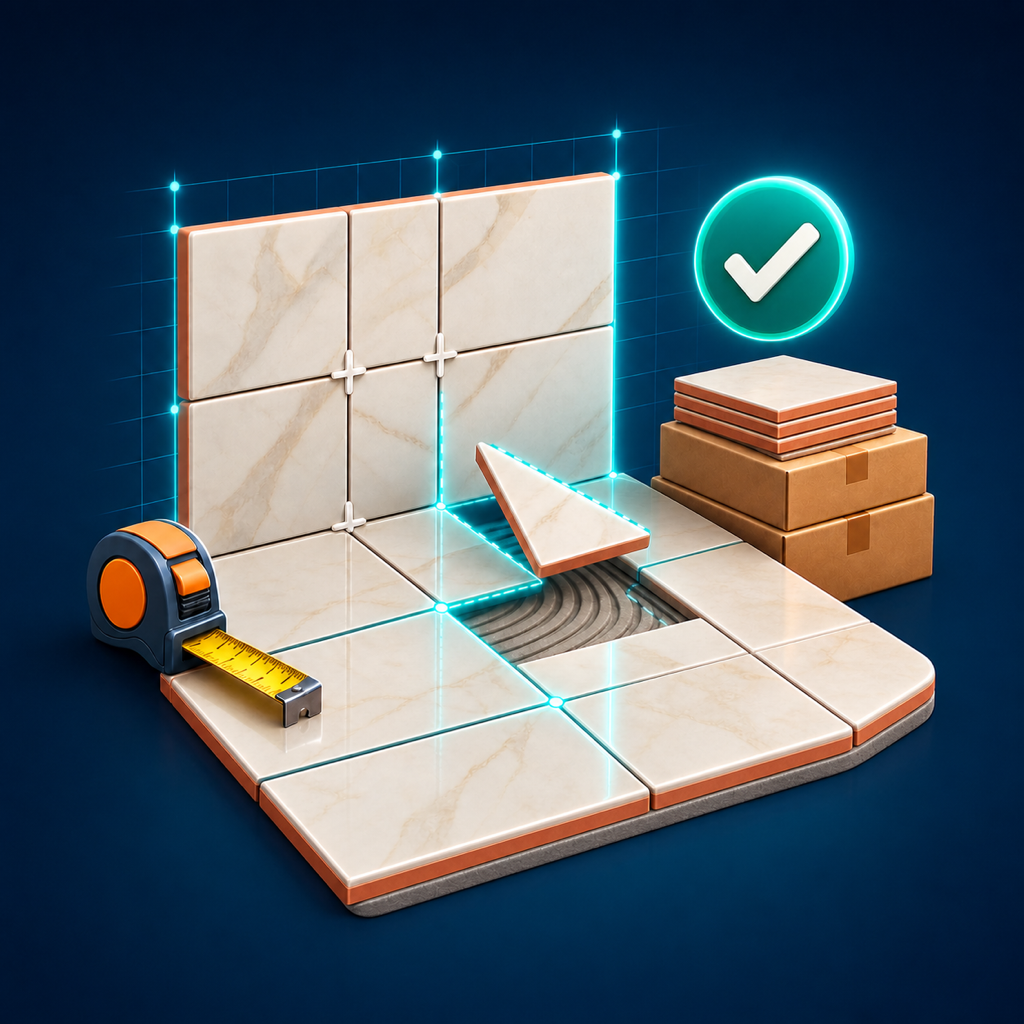
Measure a wall or floor, record your tile, and find out how many pieces, cuts, and boxes you need. Then check the full-scale pattern before purchasing or cutting.
Less waste, fewer turns
Move the starting point and see how the reticle changes at the edges.
Calculate parts, shrinkage and rounding per box with your supplier's actual price.
Project the pattern onto the wall or floor with Apple Vision Pro before installing.
Four steps
AzulejoListo works without blueprints or an online account.
Records useful width and height of the wall or floor.
Indicates piece, joint, pattern, box, price and shrinkage.
Review complete parts, cuts, boxes and estimated cost.
Open the surface in Vision Pro and check the reticle.
Instant calculation
This simulator shows the same base logic of the app. Final purchase must be confirmed with the manufacturer or installer.
Designed for Apple Vision Pro
Place the surface on a real wall or floor, walk around it and check size, orientation and start. The first surface and space view are part of the free plan.
A useful plan from day one
AzulejoListo Free
AzulejoListo Pro
No subscription. Apple adjusts the equivalent price by country.
Frequently asked questions
No. It is an estimate to plan and compare. Confirm measurements, lot, caliber, useful area per box and installation conditions with your supplier or installer.
No. The information remains on your devices. If you activate Pro, sync uses your private iCloud account.
Yes. You can create a surface, use straight or offset pattern, and open spatial view without paying.
No. It is a one-time non-consumable purchase, restorable with the same Apple ID.
Coming soon to App Store
Available for iPhone and Apple Vision Pro.